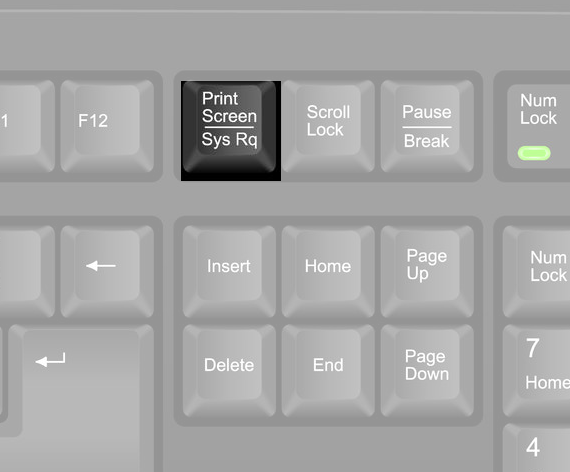

How to take a screenshot and email it to us
A screenshot is a picture of what you can see on your screen. Sending one helps us understand the problem and investigate it more quickly.
On a Windows computer:
Open the page with the problem. Make sure the issue you want to show us is visible.
Capture the screen. Hold down the Windows key and Shift, then press S. Your screen will dim. Click and drag your mouse to select the area you want to capture, then release the mouse button. The screenshot is now copied and ready to paste.
Start a new email in your email program, such as Outlook, addressed to [email protected].
Describe the problem. Include the website page address, what you expected to happen, and what actually happened.
Paste your screenshot into the email. Click in the main message area, then hold down Ctrl and press V. Your screenshot should appear in the message.
Check and send. Make sure the screenshot shows the issue clearly and doesn’t include passwords or other private information, then send your email.
We’ll review the details and get back to you.
Back