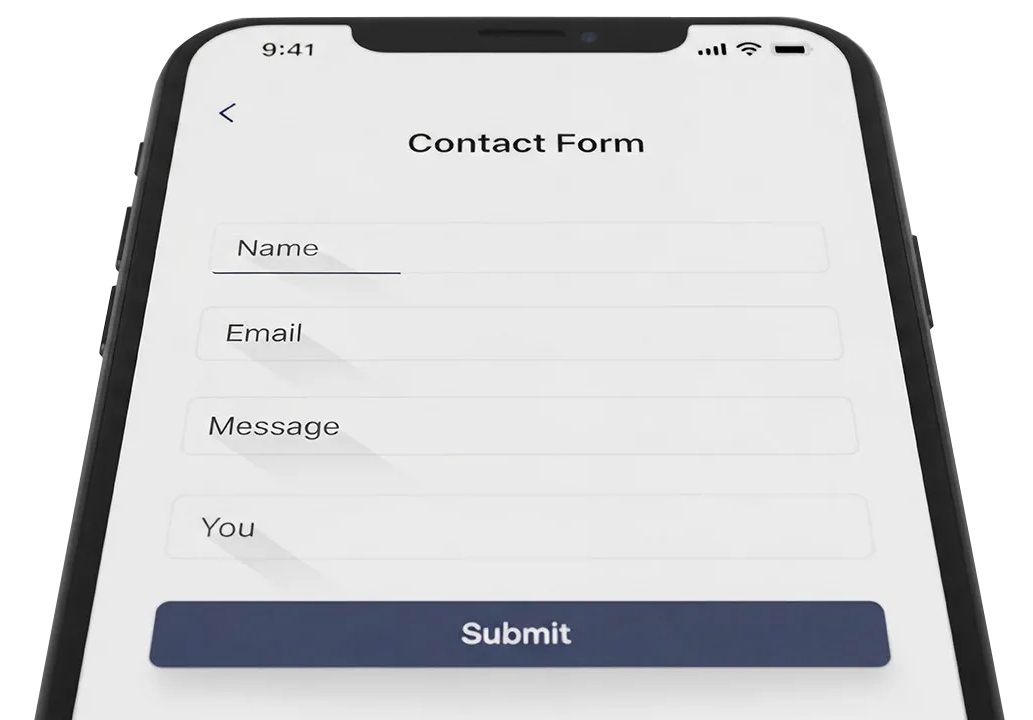

Contact Form Not Arriving
If you think your contact form is not working, please test it before your contact us. This guide helps you quickly check whether your form is working. You do not need technical skills to follow it.
What to do
Step 1. Do a self-test first
Before contacting us, please test the form yourself.
What to do
• Open your website as a visitor would.
• Go to the contact form or booking form.
• Fill it in with real information.
• Use your own personal email address.
Important
• Do not use your website email address.
• Use a private email address instead.
• A Gmail account works well for testing.
• If you do not want to use your main email, set up a free Gmail account just for testing.
Why this matters
If you use your website email address, the message may loop back or be filtered. Using a personal email gives a clear, reliable test.
Step 2. Submit the form and wait
After submitting the form:
• Check the inbox of the email address you used.
• Check the spam or junk folder as well.
• Allow up to 10 minutes for the message to arrive.
What should happen
• You should receive the form message.
• You may also receive an automatic confirmation email.
Step 3. Record what happened
Make a quick note of the result.
• Did the email arrive? Yes or no.
• Did it go to spam? Yes or no.
• Did you see any error message on screen?
This helps us fix the issue faster.
Step 4. Contact us if the test fails
If you do not receive the form message after completing the self-test, please contact us straight away.
What to include when you contact us
• Your website address.
• Which form is not working. The URL of the page the form is on is essential.
• The email address you used for testing.
• What happened when you submitted the form.
Next steps
Once you have confirmed the form is not working, we will start checking and fixing the real issues on the form. There is no need for further testing on your side unless we ask.
During our work we will send you various test forms. We need you to reply to these tests as soon as you are able as this helps us to know things are working again. If you do not respond within an hour of use testing we will call you to ask if the form has been recieved.
If you are unsure at any point, contact us anyway. We are happy to help.
Back